
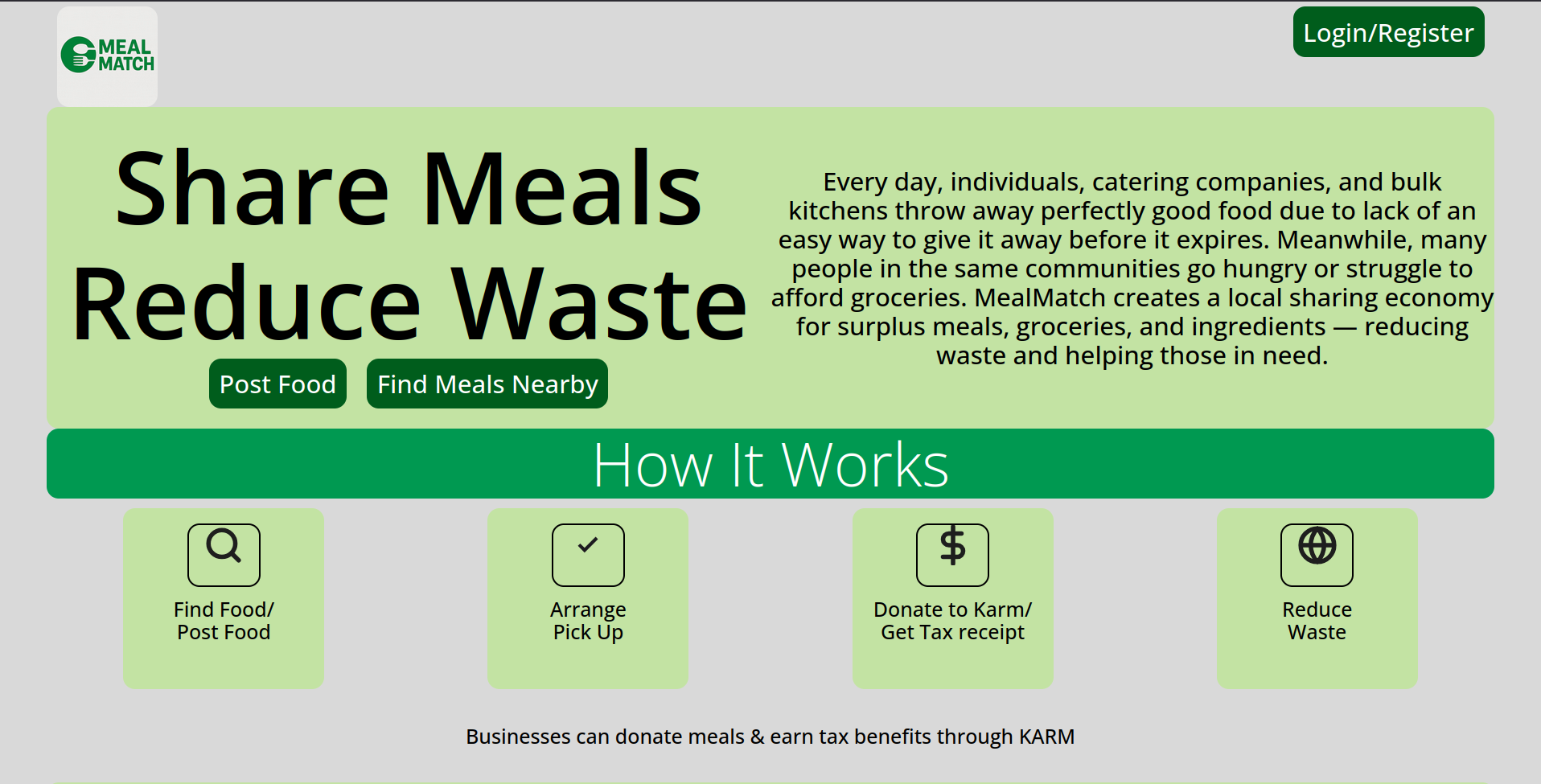
Overview
Key Features
- User Authentication & Authorization: Secure registration and login using JWTs. Roles include regular users and admins with protected routes for administrative actions.
- Donation Flow: Donors can create donation entries (meals, portions, pickup details). Recipients and partner organizations can claim available donations.
- Automated Matching: Basic matching logic using location and availability to suggest nearby recipients or pickup points.
- Notifications: Email or push notifications for new donations, claims, and status changes.
- Dockerized Backend: Backend runs inside Docker with environment-driven configuration and connection to MongoDB Atlas for persistence.
Technologies Used
- Backend: Node.js, Express, Mongoose (MongoDB Atlas)
- Frontend: React (Vite), modern SPA patterns
- Auth: JSON Web Tokens (JWT)
- Deployment & DevOps: Docker, GitHub Actions (CI/CD), Docker Hub, Digital Ocean
- Optional infra: Nginx reverse-proxy, Certbot for SSL
- Utilities: dotenv for env vars, bcrypt for password hashing, nodemailer for emails
Challenges and Learnings
- Remote DB Access: Atlas requires IP whitelisting — remember to add your VM or CI runner IPs (or use 0.0.0.0/0 temporarily while developing, then tighten).
- Environment Management: Keep secrets out of the repo. Use runtime environment variables or CI secrets instead of baking .env into images.
- CORS & Frontend Integration: When serving a frontend from a different origin (local dev, GitHub Pages), set proper CORS rules on the backend and include the full protocol in API URLs (e.g., https://api.mealdomain.com).
- Docker Context & .dockerignore: Ensure .env exists in the build context when you intentionally copy it, or prefer passing envs at runtime with docker run --env.
- SSL & Production Readiness: Use a domain + Certbot (Let’s Encrypt) and a reverse proxy (Nginx) to handle HTTPS and forward traffic to the app port (e.g., 3001).
- Logging & Monitoring: Pipe logs to stdout/stderr for Docker visibility. Add monitoring for long-running processes and resource usage.
Outcome
- A working MVP with backend endpoints available and responding (authentication, donation CRUD, admin routes).
- Frontend can connect locally to the deployed backend using a VITE_API_URL env var (include protocol).
- Docker images are built and ready to be pushed to a registry; GitHub Actions configured to build/publish on pushes to main.
- Domain: https://mealmatch.online/
- Github Repo: https://github.com/kedycatsudo/mealmatch
Deployment & Next Steps
- Point a domain or free DNS (Freenom / DuckDNS) to the VM IP and set an A record for the API host.
- Install Nginx as a reverse proxy and obtain SSL via Certbot to enable HTTPS.
- Harden the VM (SSH keys, UFW firewall rules for 22/80/443 and your VPN port) before exposing services publicly.
- Deploy the frontend (GitHub Pages is fine for a static SPA) and set CORS to allow the Pages origin.
- Improve matching algorithms, add real-time updates (WebSockets), and implement production-grade logging and backups (MongoDB Atlas backups).
- Admin Dashboard: Admins can manage users, approve donation listings, and review donation history and metrics.
This Mealmatch MDX entry summarizes the project, technical decisions, and actionable next steps for taking the MVP from a working prototype to a secure, production-ready service.